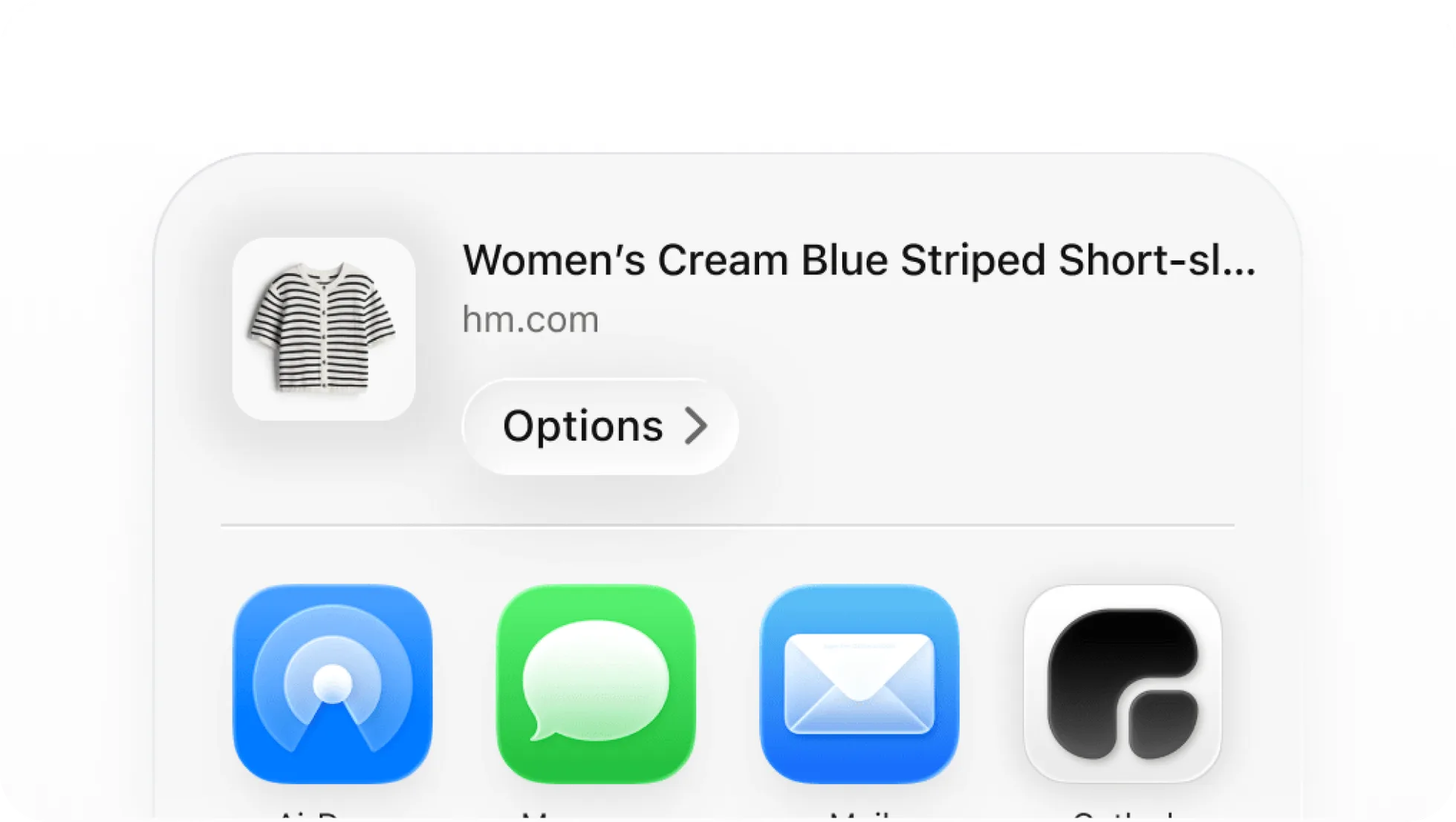
The Gathrd share sheet makes saving products feel much more natural. Instead of copying links into notes, leaving browser tabs open, or trying to remember what you found later, you can send a product directly into Gathrd from the iPhone share sheet while you are still browsing.
This release is designed for the real moment where shopping usually breaks down: you find something good, but saving it properly takes too much effort. With the share sheet, Gathrd fits into that moment more cleanly. Share the link, review the item, choose a collection, and keep moving.
- save product links while browsing in mobile apps and browsers
- preview imported product details before saving
- choose the right collection at the point of save
- return to the collection in Gathrd after the item is added
Save products without breaking your browsing flow
The best save tools work in the background of what you are already doing. The Gathrd share sheet is built around that idea. When you find something worth keeping, you can open the iPhone share menu and send it to Gathrd immediately instead of creating work for your future self.
That makes Gathrd feel less like a separate admin task and more like part of everyday browsing. It shortens the distance between discovery and organisation, which is exactly what people need when they are shopping across multiple retailers and products.
Review imported details before you save
Saving quickly is helpful, but confidence matters too. The share sheet flow lets you review the product details Gathrd has pulled in before the item lands in your collection. That helps you spot whether the title, image, retailer, or price looks right and makes the save feel more deliberate.
This is an important part of the release because it turns the share sheet into more than a basic link dump. It becomes a lightweight import flow that gives users just enough visibility before they commit the item to their account.
Choose the right collection at the moment of save
Organisation works best when it happens early. Instead of saving products into one generic bucket and sorting them later, the Gathrd share sheet lets you choose the right collection as part of the save flow itself.
That means items can go straight into the context where they belong, whether that is a holiday wardrobe, a room refresh, gift ideas, or a more focused shortlist. For users who save frequently, this removes a lot of the cleanup work that usually builds up after a browsing session.
Save now, come back in the app later
The share sheet is designed for quick capture, but it still connects back into the wider Gathrd experience. Once an item is saved, you can close the share flow or jump directly into the app and land closer to the collection you were working with.
That matters because the share sheet is not meant to replace the app. It is meant to make the first step easier. Capture the product at the moment you find it, then return to Gathrd later when you want to compare options, favourite items, or review your shortlist in more detail.
A better way to save product links from Safari, Chrome, and beyond
One of the biggest strengths of the iPhone share sheet is flexibility. It makes Gathrd useful across more browsing surfaces, whether the link comes from Safari, Chrome, Notes, or another app where a shareable product URL is available.
That makes this release especially valuable for people who discover products in lots of different places. Instead of adapting your workflow to one retailer or one browser, you can keep using the apps you already use and send the products that matter into Gathrd when they appear.
The iPhone share sheet turns Gathrd into a much more natural part of browsing. It removes the friction between discovering a product and saving it properly, while still keeping the structure that makes Gathrd useful later: imported details, collections, and a clean path back into the app.
For anyone who regularly shops across tabs, retailers, and mobile apps, this release gives the save moment a better home. Instead of losing the product or deferring the task, you can save it cleanly the moment it matters.