








Save in seconds
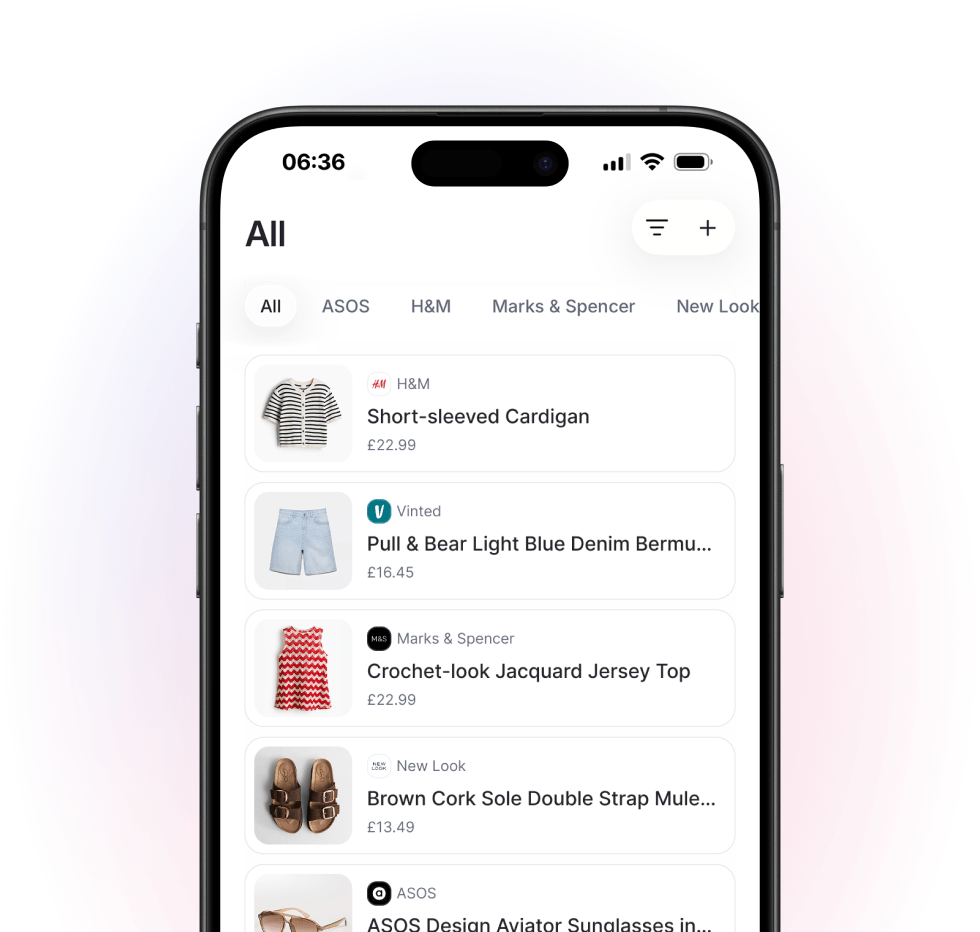
Keep products, ideas, and future buys in one place.
Stop losing great finds across tabs, screenshots, and bookmarks. Gathrd helps you save, sort, and revisit everything you want to buy.
Keep products, ideas, and future buys in one place.
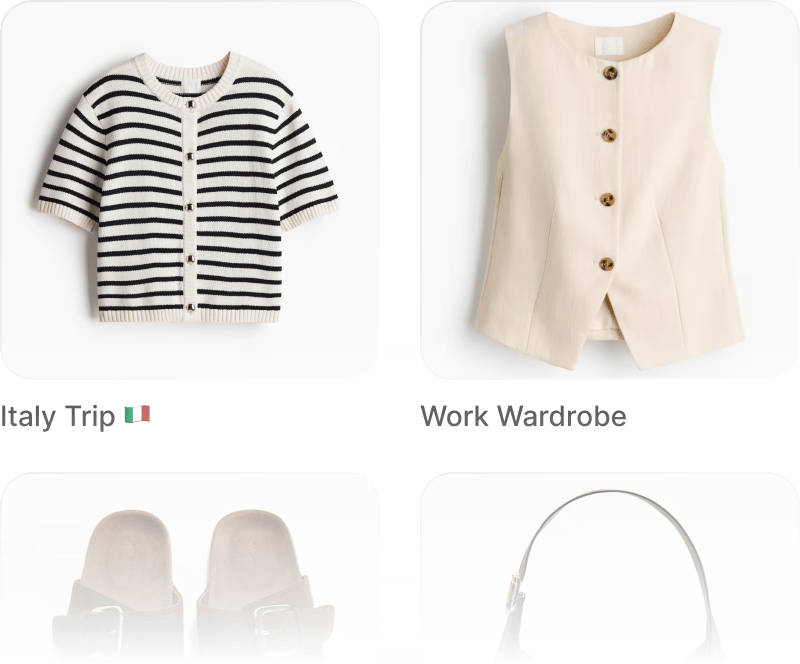
Organise everything into wishlists, rooms, outfits, gifts, or moodboards.
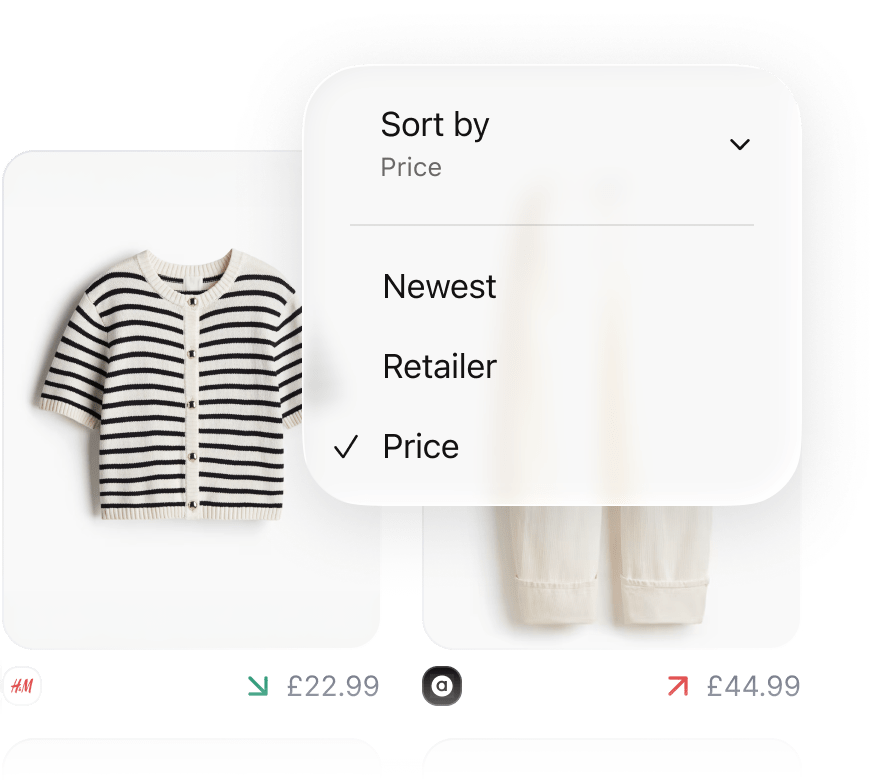
See price updates at a glance and receive notifications.
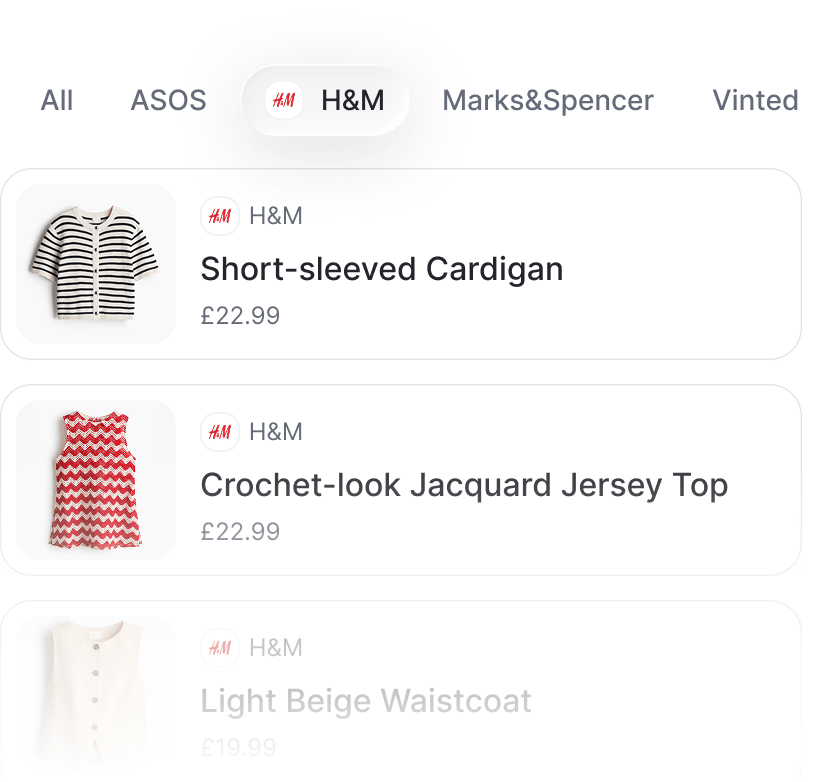
Find what you saved when you actually need it.
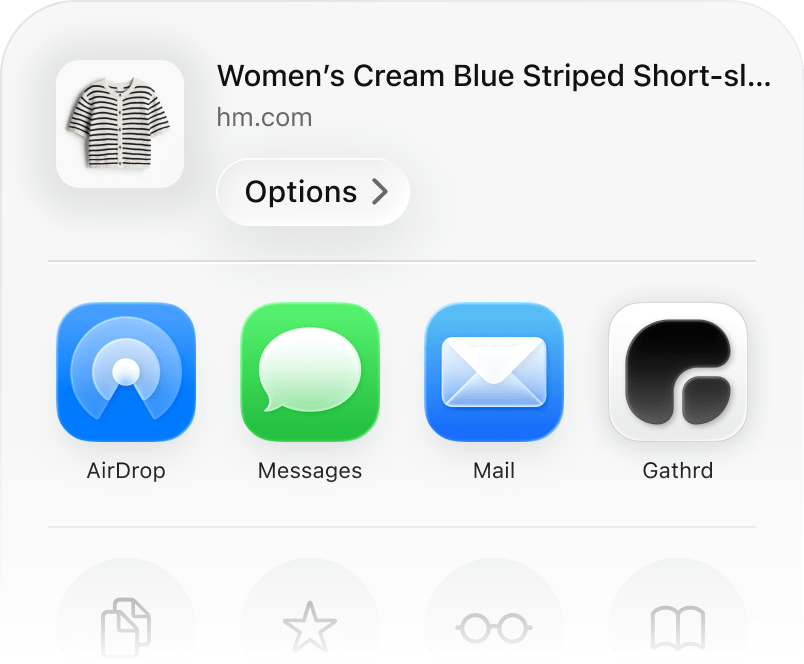
You can use Gathrd in two browser-based ways now. On iPhone, you can still send supported product links into Gathrd from your mobile browser using the share flow. On the web, you can sign in to your Gathrd account, browse collections, revisit saved items, and open retailer links from desktop.
If you want to add something new on the web, open a collection, paste a retailer product link, review the imported details, and save it into that collection.
The web app gives you a signed-in desktop view of the same Gathrd account you use elsewhere. You can browse collections, open saved items on retailer sites, create collections, rename them, delete them, and review collection contents from a larger screen.
Inside a collection, you can also add a new item from a retailer link, favourite saved items, and remove items you no longer want to keep there.
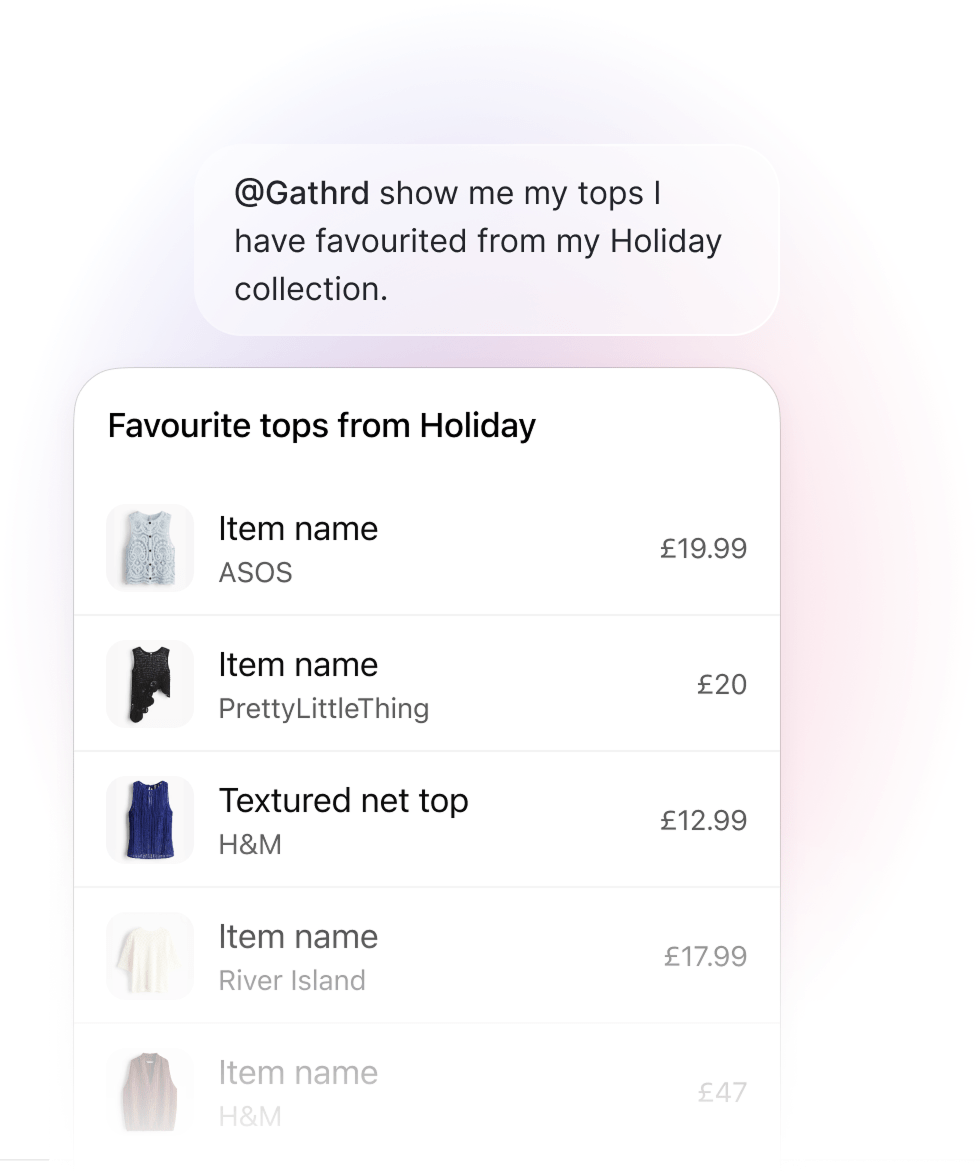
Connect your Gathrd account to ChatGPT when prompted, approve the requested access, and then ask ChatGPT to work with your collections in natural language.
Once connected, ChatGPT can help you list collections, create a collection, save supported retailer product links into Gathrd, bring back saved items, and hand you links that open the right collection in Gathrd.
Gathrd works best with direct retailer and product pages. It is designed to import shopping links you send from the iPhone app, paste into the web app, or save through ChatGPT, then pull back details such as the product name, price, image, currency, and retailer where available.
Support is not exhaustive, and results can vary depending on how a page is built. Some links may import cleanly, while others may need review or a few manual edits before you save.
Yes. Gathrd is an account-based app.
Your account is what ties together saved items, collections, browser saves, web access, ChatGPT-connected saves, data export, and account management features such as deletion and recovery.
You can contact Gathrd support at support@gathrd.uk.
If you are reporting a problem, it helps to include the email address on your account, your device, the link you were trying to save, and what happened.